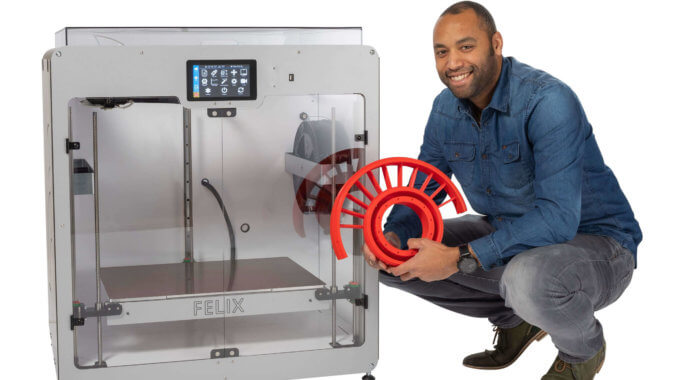
The world of 3D printing is ever-evolving. In a new partnership, Team One has teamed…

How to Print-From-File
You want something. Maybe it’s a custom piece of art, or a part for your old laptop that isn’t in production anymore. It makes sense to 3D print said item, but you’re not ready to commit to buying and setting up your own 3D printer. Of course, we recommend you buy the whole printer, but if you’re sure you only want to print something once, then we have the perfect solution for you.
3D Print-From-File
The title is pretty self-explanatory, but allow us to explain it anyway. See, our experts have the printers, filament and the knowledge of 3D printing, and you have the item that needs to be printed. When you get in touch with us and send the right file, we’ll 3D print your item and ship it back to you.
How Do I Create a File?
How do you prepare the file you want to 3D print? Especially for custom pieces, you will need to create your own 3D printable file. While there are many file formats to choose from, the two most common file types for 3D printing are .STL and .VRML. So instead of a .DOC or .PDF, aim for one of those two.
What Are .STL and .VRML Files?
Creating these types of files requires a special kind of software. Think of the kind of stuff used to create animations or other 3D drawings. Google SketchUp is a great beginner tool that’s very intuitive for users.
There are also a lot of helpful articles on the basics of 3D design, but overall, the software should work out as long as you have adequate art & design skills.
I’m Not Artistic!
Don’t worry. Depending on what you need, there are a variety of websites with free or for-sale files you can download then send to us for development. Shop around and find what site works best for you.
With these steps, it’s simple to create or find the perfect 3D model for print-from-file 3D printing. Once you’re ready, make sure you contact us to let us know you’re interested. Or, take a look at getting a 3D printer of your very own. Whatever route you choose, Team One wishes you happy 3D printing!
Related Posts